Amazon Alexa+ Launches for All Users: Here’s How to Disable It (2026)
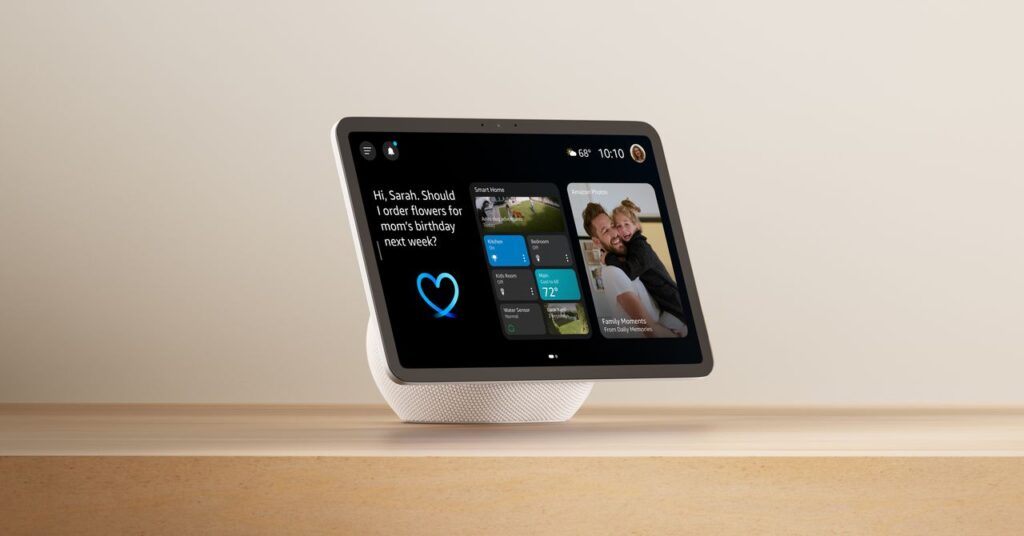
“Alexa+ offers enhanced capabilities compared to the original Alexa, and we aim to make it accessible to as many users as possible,” shared an Amazon representative. “We’ve informed customers about the upcoming update, along with instructions on reverting to the original version.”
Amazon is currently upgrading only Prime members with eligible devices to Alexa+ Early Access in this new rollout. Alexa+ is free at the moment, and Prime members will continue to receive it at no charge when it transitions to its first full version, but it will be priced at $20 a month for non-Prime members upon official release. The list of compatible devices is extensive, featuring the first generations of the Echo, Echo Dot, Echo Show, Echo Spot, and even Echo Plus. Numerous Fire TV and Fire tablet devices are also supported, so if you own multiple Amazon devices and are a Prime member, you might encounter Alexa+ across several platforms.
How to Return to Original Alexa

Photograph: Nena Farrell
If you prefer not to upgrade or are dissatisfied with the new experience, switching back is easy. Simply instruct your Alexa device, “Alexa, exit Alexa Plus,” and it will revert to the original Alexa voice and interface. This command works on supported Echo devices. You’ll no longer see the chatbot-like interaction style, resulting in less conversational responses.
That said, you won’t lose your main features. Personally, I haven’t felt the need to alter how I phrase my questions between the two versions of the voice assistant. The on-screen and voice experience returned to something quite similar (if not slightly updated, as I’m testing with the newest Echo Show 11) to what I recall Alexa being like before I switched to Alexa+. Amazon will notify you that certain features will require adjustments in the Alexa app if you switch back to the previous version, but it doesn’t specify what those changes are or make them easy to locate.
For non-Prime members who did not receive the automatic update to Alexa+, you can still easily toggle it in the app or on your device by requesting to switch to Alexa+. There’s no longer a sign-up page like before because there’s no waitlist. To check your Alexa+ access details and manage controls, navigate to Memberships & Subscriptions in your Amazon account.
Alexa Versus Alexa+
Even if you opt to revert to the previous version of Alexa, is it truly the same? While the voice remains Feminine 2 (or “Relaxed”), our team—and numerous users on Reddit—have observed that some inflections in the voice have shifted, resulting in a sound that differs from the original. You can also use Feminine 2 within Alexa+, meaning the voice itself has likely been updated to align with the more conversational style that Alexa+ promotes.
Additionally, some users dislike the new default voice, Feminine 1, which the Alexa app labels as “upbeat,” but others refer to it as the “teenage girl” voice. (Or, as my editor, a parent of a teen, calls it, the “sassy teenager” voice). The new Alexa sounds significantly more youthful and carries a cadence that can come across as somewhat sarcastic. Ultimately, Alexa+ offers four feminine and four masculine voices, each characterized in the app with a single descriptive adjective like “Inviting” or “Warm.”

Rajat Sharma
https://in.linkedin.com/in/rajat-mediaHelping D2C Brands Scale with AI-Powered Marketing & Automation 🚀 | $15M+ in Client Revenue | Meta Ads Expert | D2C Performance Marketing Consultant
